Use this TI-84 calculator online to solve equations, graph functions, and perform advanced math instantly. It works in your browser, loads fast, and needs no download. Perfect for students, teachers, and anyone who needs a reliable graphing calculator online.
What is a TI-84 Calculator Online?
A TI-84 calculator online is a browser-based emulator that replicates the experience of a physical graphing calculator made by Texas Instruments. It gives you the same layout, keys, and functions, but runs directly on your device.
You can use it on desktop, tablet, or mobile. It is ideal for homework, practice, and quick problem solving when you do not have a physical calculator.
Why Use This Calculator?
- Free to use with no hidden costs
- No installation required
- Works on any device
- Fast and responsive
- Designed for students and exams practice
This tool focuses on speed and simplicity so you can get answers quickly.
Key Features of Our TI-84 Calculator Online
Built for students, teachers, and everyday problem solving, this calculator combines graphing, scientific functions, and advanced math tools in one easy online experience.
Graphing Functions
Plot linear, quadratic, and complex functions easily. Adjust the graph window and zoom for better visualization.
Equation Solving
Solve algebraic equations, systems of equations, and advanced math problems with a faster workflow.
Scientific Calculations
Perform trigonometric, logarithmic, and exponential calculations with accurate results and familiar controls.
Statistics and Data Analysis
Work with datasets, calculate mean, median, regression, and probability for schoolwork and analysis.
Matrix Operations
Handle matrices for advanced math topics including linear algebra, transformations, and structured calculations.
Browser-Based Access
Use the calculator instantly without downloading software, making it simple to study on desktop, tablet, or mobile.
How to Use the TI-84 Calculator Online
Using this calculator is simple and beginner-friendly. You can use it for algebra, graphing, trigonometry, statistics, and quick scientific calculations.
Steps to Use It
- Enter your equation or expression
Use the on-screen keypad to type numbers, symbols, formulas, or functions. - Choose the right mode
Use normal calculation mode for basic answers, or switch to graph mode when you need to draw a function. - Type your graphing function
For example, you can enter a function like y = x² + 3x − 2 to see its graph. - Adjust the window settings
Change the viewing range if the graph looks too small, too large, or is not showing clearly. - Use trace and zoom tools
These tools help you check points, roots, intersections, maximum values, and minimum values. - Review your answer carefully
Use the result to check homework, practice for exams, or better understand how a math problem works.
The online calculator works like a real calculator, so students who already use one in class can start using it quickly. It also works directly in your browser, so you do not need to install any software.
Learn how to enter data, use 1-Var Stats, find averages, make plots, and work with common statistics tools.
Best Uses
The TI-84 calculator online is more than just a basic math tool. It is a powerful graphing calculator designed to help students, teachers, and professionals solve complex problems quickly and accurately. Here are the best ways you can use it in real life:
1. For Students (Homework & Exam Practice)
Students can use this calculator to:
- Solve algebra, calculus, and trigonometry problems with accuracy
- Practice for exams like SAT, ACT, and college-level tests
- Check answers instantly and understand solutions step by step
- Explore different problem-solving methods and improve speed
It is especially useful when you don’t have a physical calculator nearby. You get the same experience directly in your browser, without any setup or installation.

2. Graphing Functions & Visual Learning
This tool helps you understand math visually:
- Plot linear, quadratic, and complex equations
- Analyze graphs with zoom and trace features
- Identify intercepts, slopes, and turning points
Graphing makes it easier to understand difficult concepts that are hard to solve manually.
3. Statistics & Data Analysis
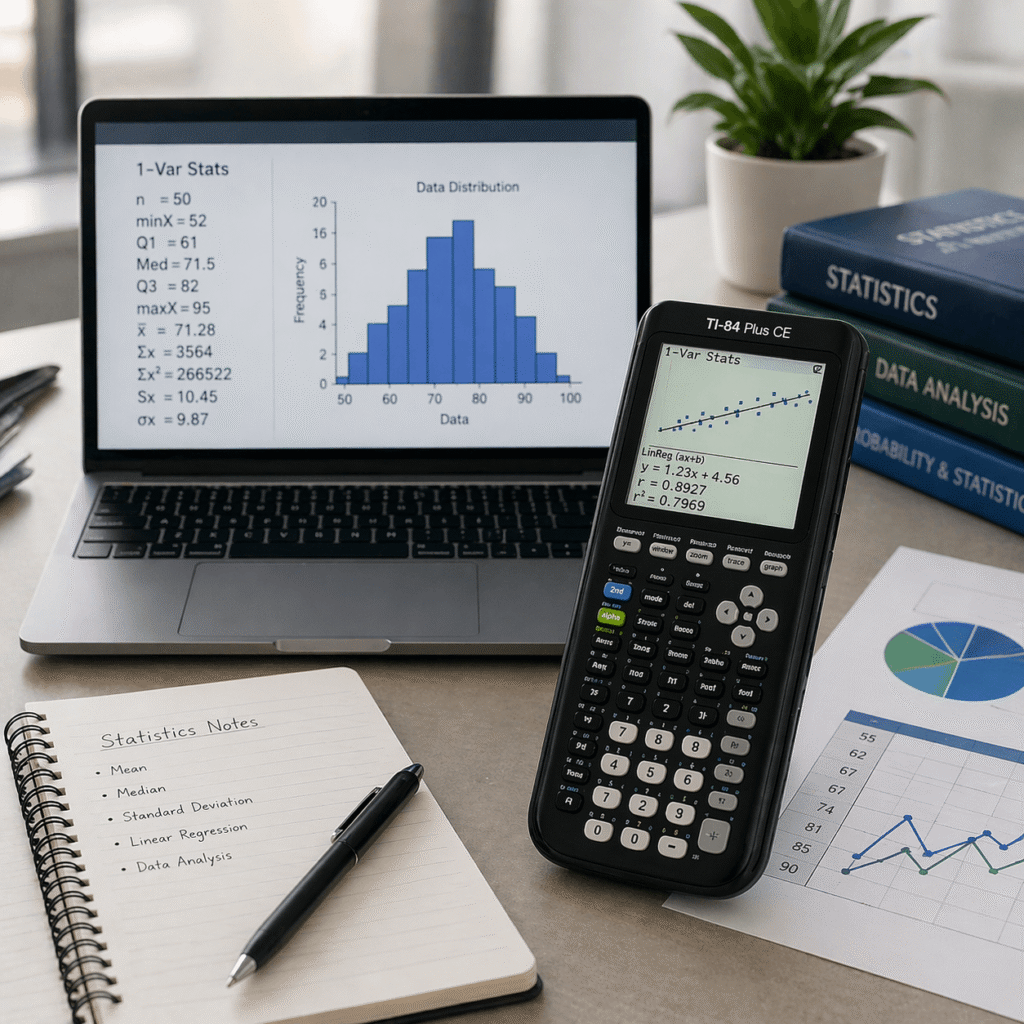
The TI-84 calculator is widely used for statistics and data analysis, making it a powerful tool for handling numerical data with ease.
- Calculate mean, median, mode, and standard deviation accurately
- Perform regression analysis to identify trends and relationships in data
- Work with probability functions and organized data tables
- Analyze datasets quickly without manual calculations
This makes it an excellent choice for students studying statistics, economics, or data-related subjects. It helps simplify complex calculations, reduce errors, and save time during assignments and exam preparation.
4. Solving Advanced Math Problems
You can handle complex calculations such as:
- Matrix operations
- Logarithmic and exponential functions
- Systems of equations
This makes it a reliable tool for higher-level math and engineering problems.
5. For Teachers & Classroom Demonstrations
Teachers can use the TI-84 online tool to:
- Demonstrate graphing concepts live
- Explain problem-solving methods step by step
- Use it on smart boards or projectors
It saves time and makes lessons more interactive.
TI-84 Online vs Physical Calculator
| Feature | TI-84 Online | Physical TI-84 |
|---|---|---|
| Cost | Free | Expensive |
| Accessibility | Anytime, anywhere | Limited |
| Updates | Automatic | Manual |
| Portability | Works on all devices | Needs to carry |
TI-84 vs Other Graphing Calculators
TI-84 vs Desmos
Desmos is easier for quick graphs, but TI-84 gives a more exam-like experience.
TI-84 vs TI-83
TI-84 is more advanced with better performance and features.
TI-84 vs Casio
Casio calculators are good, but TI-84 is more widely used in schools and exams.
Best Tips to Use TI-84 Efficiently
- Use graph zoom to focus on key points
- Learn shortcut keys for faster input
- Use table view to analyze values
- Adjust window settings for better accuracy
- Practice regularly for exam speed
These small tips can save a lot of time during tests.
FAQs
Quick answers about using this TI-84 style calculator online for graphing, scientific math, and everyday practice.
Is TI-84 calculator online free?
Yes, this TI-84 calculator online is free to use directly in your browser.
You can open it anytime for homework, graphing practice, or quick scientific calculations.
Can I use TI-84 on mobile?
Yes, the calculator is built to work on phones, tablets, laptops, and desktop screens.
The layout adjusts smoothly, so you can practice TI-84 style calculations wherever you are.
Does it work like a real TI-84?
It is designed to feel familiar to students who use a physical TI-84 calculator.
You get TI-84 style keys, graphing tools, scientific functions, and calculator-style workflows online.
Can I use it in exams?
Most schools and official exams do not allow online calculators during testing.
This tool is best for studying, checking work, learning graphing, and practicing before exam day.
What is the best online graphing calculator?
The best choice depends on what you need: TI-84 online is great for calculator-style practice.
Desmos is excellent for visual graphing, while this tool is better if you want a TI-84 style experience.
Do I need to download anything to use it?
No download or installation is needed because the calculator runs fully in your web browser.
Just open the page and start using the TI-84 style keypad, graphing screen, and math functions.
Can I graph equations and functions with it?
Yes, you can graph functions, test values, use window settings, and explore equations visually.
It is useful for algebra, precalculus, calculus practice, and general graphing calculator work.
Conclusion
The TI-84 calculator online is a powerful and easy tool for solving math problems quickly. It combines the reliability of a physical calculator with the convenience of modern technology. Whether you are studying, practicing, or solving real problems, this tool helps you get accurate results without any hassle.